

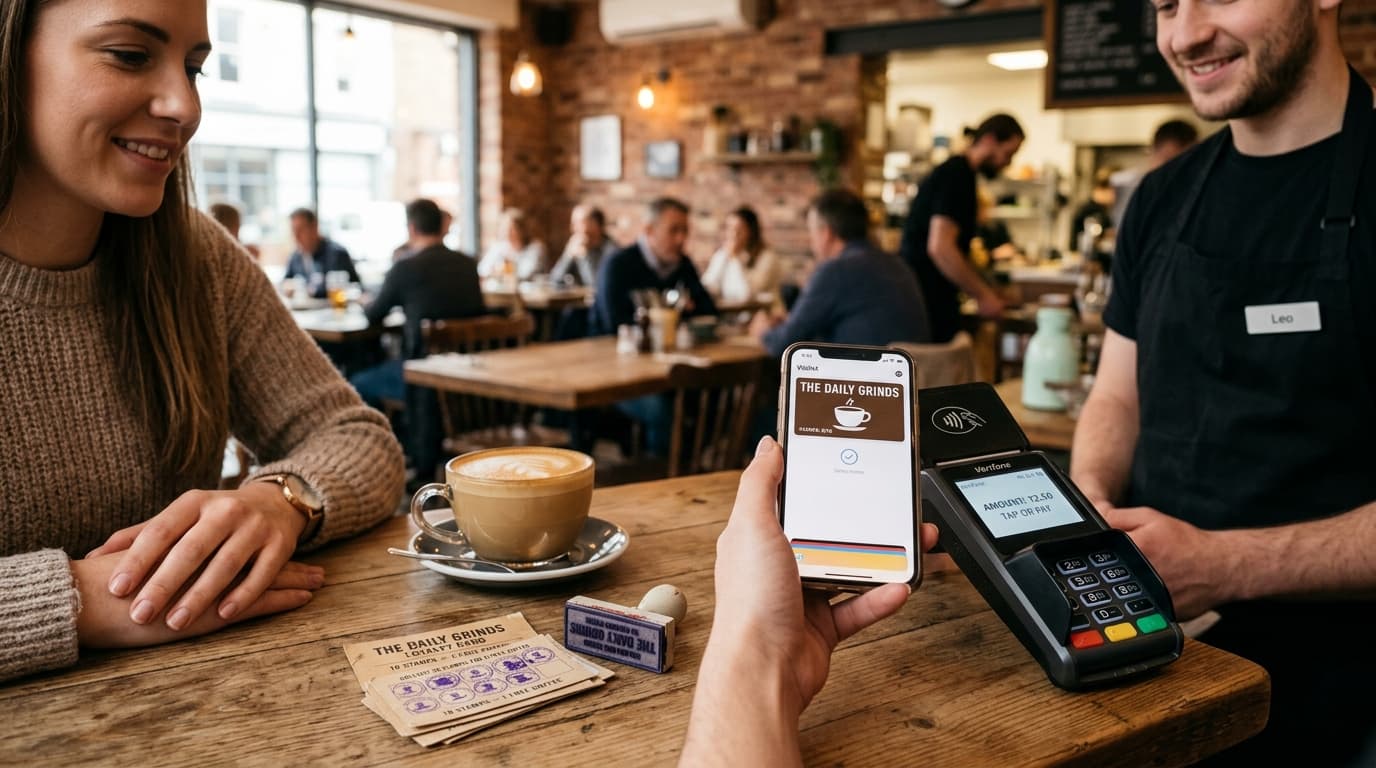
A paper "buy 9, get the 10th free" card has one fundamental flaw: the customer must carry it. Usually they do not. It stays home, in another wallet, or gets lost after a move.
Restaurants that switched to loyalty cards in Apple Wallet and Google Wallet report 60–80% of customers actively use the program — versus 15–20% with paper cards.
This article explains how a digital loyalty program works and why it is worth launching now.
Why paper cards fail
The pattern repeats: the restaurant prints cards, trains staff to offer them at checkout. The first month goes well. Then:
- Customers forget cards at home
- Staff stop offering them
- Someone asks for a "new card because the old one tore" — and starts from zero despite being loyal
- Nobody knows how many cards are out, how many points were issued, or if the program works
No data. A paper card is a transaction without history — you do not know who they are, when they last visited, or what they ordered.
How digital loyalty works in Apple/Google Wallet
A RESTOBOT loyalty card is a file the customer adds to their phone wallet — like a payment card or boarding pass. Once added, it is always at hand.
How the customer adds the card
- On first order (via RESTOBOT site or Telegram) the customer gets a loyalty card link
- They tap "Add to Apple Wallet" or "Add to Google Wallet"
- The card appears on the home screen — available offline
You can also print a QR at the counter with "Join our loyalty program" — scan and add instantly.
How points are earned
On every order via site or Telegram, points accrue automatically — no scanning, no staff conversation. The customer opens Wallet and sees the balance.
For in-store or table orders, staff scan the customer's card QR in the manager app and award points manually.
Push notifications without an app
This is the main advantage of Wallet cards over a mobile app. With your card in Apple Wallet:
- You can send push notifications to the lock screen — no app, no marketing email opt-in
- Notifications are contextual: "Your card has 90 points — 10 more for a free pizza"
- You can send geo notifications: when the customer is near the restaurant, the card appears on screen
Comparison: paper card vs digital Wallet card
| Paper card | Apple/Google Wallet card | |
|---|---|---|
| **Customer must carry it** | Always risk of forgetting | Always on the phone |
| **Point accrual** | Manual (stamp) | Automatic on online orders |
| **Notifications** | Impossible | Push to lock screen |
| **Print cost** | €0.15–0.50/card | €0 |
| **Lost card** | Customer loses points | Impossible — card in the cloud |
| **Activation time** | Instant | One link tap |
| **Active customer rate** | 15–20% | 60–80% |
How to design a restaurant loyalty program
There is no single right model. The most common scheme on RESTOBOT:
"Buy X, get Y" model
- Buy 9 burgers, get the 10th free
- Buy coffee 7 times, get the 8th free
Works well in: cafés and venues focused on one product type.
How to launch loyalty in RESTOBOT
Activating the program takes about 30 minutes:
- In the RESTOBOT panel go to Loyalty
- Set point conversion and rewards
- Customize card design: color, logo, name
From then on every order via site or Telegram accrues points automatically, and the customer gets a link to add the card to their wallet.
Summary
A digital loyalty card in Apple Wallet and Google Wallet is not a gimmick — it increases visit frequency, builds a customer database, and gives a direct communication channel independent of social media and aggregators.
Paper stamp cards belong in the past. Customers carry phones more often than wallets.
Launch your loyalty program: www.restobot.pro — free 30-day trial.