

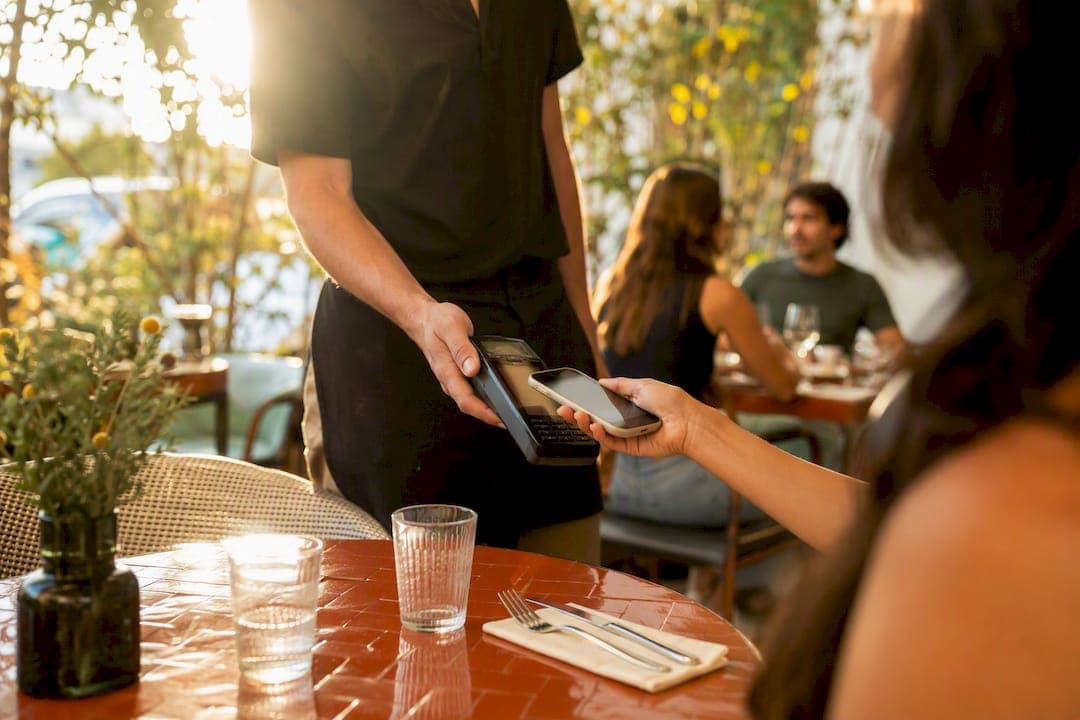
Yes, Apple Pay works at most restaurants that accept contactless payments, and you use it the same way you would at any other checkout. Three things matter most before you get to the table:
- It works on your iPhone or Apple Watch wherever you see a contactless symbol.
- You pay nothing extra. Apple Pay charges the same as swiping or inserting your linked card.
- Look for the cues first: a contactless logo, an Apple Pay sticker near the register, or an NFC terminal. When in doubt, just ask your server.
***
TL;DR:
>
- Most restaurants that accept contactless payment support Apple Pay if they have NFC terminals, contactless logos, or Apple Pay stickers visibly displayed. - Smaller independent restaurants and older establishments are less likely to support Apple Pay unless they have recently upgraded their point-of-sale hardware. - Payment with Apple Pay is secure due to tokenization and biometric verification, and it costs diners nothing extra compared to swiping or inserting a physical card. - Tipping and check-splitting with Apple Pay depend on the restaurant's setup, with some offering in-app or terminal prompts and others requiring traditional methods. - Adding digital loyalty cards to Apple Wallet is easy for restaurants, and it enhances the contactless, quick-service experience for diners.
***
Table of Contents
- Which Restaurants Accept Apple Pay for Payments
- How Do You Pay With Apple Pay at a Restaurant?
- How Do You Know if a Restaurant Takes Apple Pay?
- Are There Fees, and Is It Safe to Use?
- Tipping, Splitting, and What Happens After You Pay
- How Restaurants Set Up Apple Pay and Wallet Loyalty
- Bring Apple Pay and Loyalty Together With RESTOBOT
- Key Takeaways
- Sources
- FAQ
Which Restaurants Accept Apple Pay for Payments
Acceptance depends heavily on the type of restaurant and how recently it upgraded its point-of-sale hardware. Quick-service spots and national chains tend to be the most consistent, since Square's own directory of Apple Pay-friendly businesses shows chain and quick-service restaurants among the most common categories carrying contactless terminals at both counters and self-order kiosks.
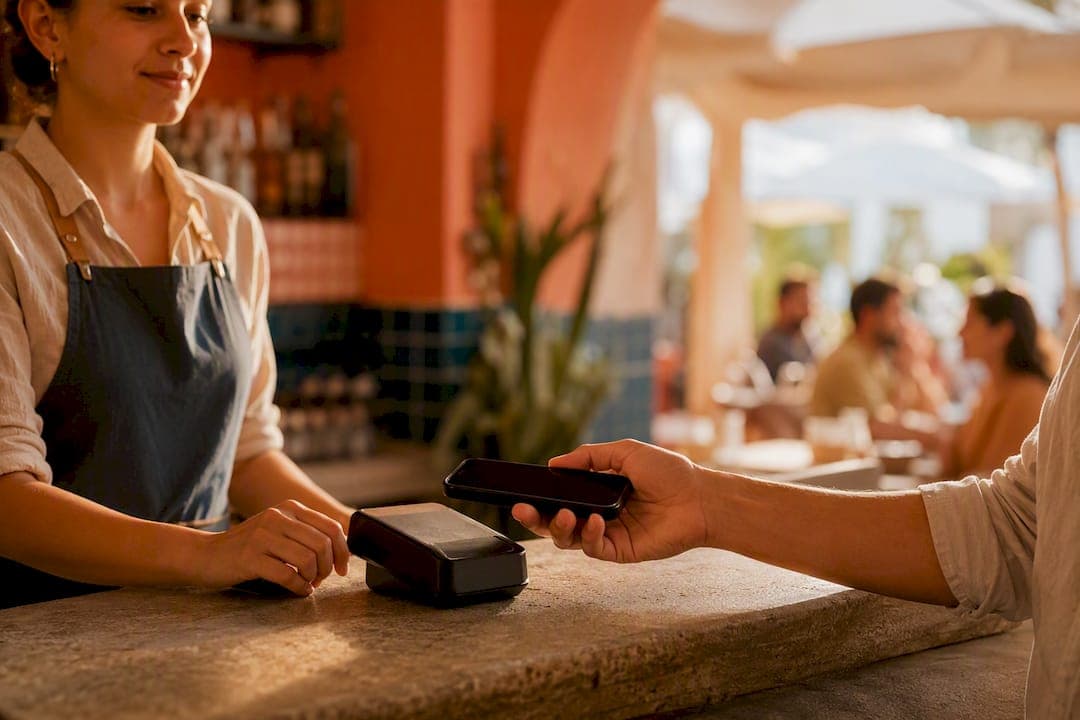
Full-service restaurants and bars are a mixed bag. Many have added a tap-to-pay terminal at the register or a wireless one servers bring tableside, but adoption still varies a lot by region and by how new the restaurant's payment system is. A place that just switched processors last year is far more likely to support tap payments than one running decade-old hardware.
Smaller operations are catching up fast:
- Cafés and coffee shops usually adopted NFC terminals early, since counter service made it an easy upgrade.
- Food trucks and pop-ups increasingly use portable card readers with built-in NFC support.
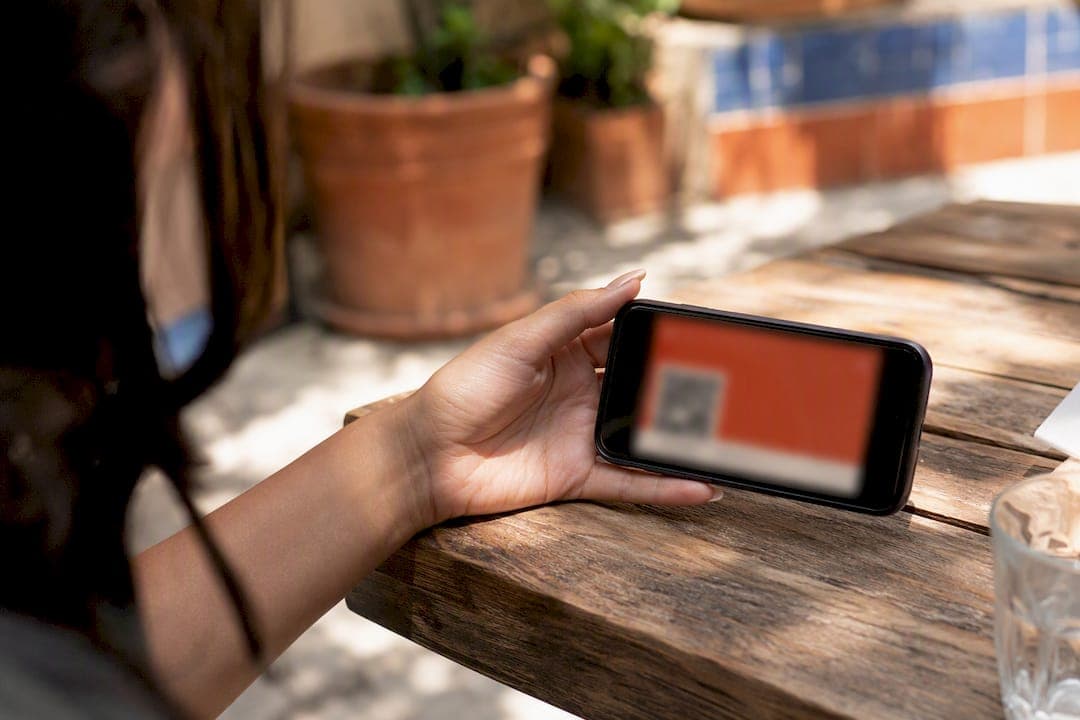
- Some independent vendors now run QR-based order-and-pay systems instead of a traditional terminal, which still lets you check out with a digital wallet.
How Do You Pay With Apple Pay at a Restaurant?
The steps change slightly depending on whether you're paying at a counter, at your table, or picking up an order you placed online. Here's what each scenario looks like in practice.
At the register or counter:
- Wake your iPhone and double-click the side button, or just glance at it if Face ID is set up to trigger automatically.
- Hold the top of your iPhone within an inch of the contactless reader.
- Wait for the checkmark and beep confirming the payment went through.
On Apple Watch, double-press the side button until your default card appears, then hold the watch face near the reader.
Pay-at-table service: Many full-service restaurants now bring a wireless terminal to your table instead of taking your card away. You'll usually see the tip prompt right on that terminal before the final charge goes through. Others use table-side QR codes that open an order-and-pay flow where you order, add a tip, and pay entirely from your phone.
Pickup and online orders: Select Apple Pay at checkout in the restaurant's app or website, then authenticate with Face ID or Touch ID to confirm.
Pro Tip: *If a terminal suddenly asks for your PIN or a card swipe instead of showing the contactless symbol, that machine likely doesn't support NFC payments yet. Just ask staff for another way to pay rather than assuming Apple Pay failed.*
How Do You Know if a Restaurant Takes Apple Pay?
The fastest way to check is visual. Restaurants that accept contactless payments almost always mark it somewhere obvious, and Google's own guidance for merchants notes that displaying payment stickers at the register measurably reduces checkout friction for customers deciding how to pay.
Signals worth scanning for:
- A contactless "tap" symbol (it looks like a sideways Wi-Fi icon) on the door, register, or table tent.
- An Apple Pay or Apple Wallet logo near the checkout screen.
- A visible NFC terminal at the counter, since most modern integrated POS systems ship with tap-to-pay built in rather than bolted on later.
If none of that is visible, check the restaurant's website or delivery app before you go. Most ordering apps list Apple Pay directly on the checkout screen for pickup orders, so you'll know before you even arrive. And if you're already seated with no signage in sight, just ask. It takes five seconds and saves an awkward moment at the end of the meal.
Are There Fees, and Is It Safe to Use?
You won't pay anything extra to use Apple Pay at a restaurant. The charge on your statement is identical to whatever you'd pay swiping or tapping your physical card. The fees that do exist sit on the restaurant's side, paid to their payment processor for handling the transaction, and that cost never gets passed to you as a separate line item.
What actually happens during the tap: Apple's system never sends your real card number to the restaurant's terminal. Instead, it generates a one-time device-specific code called a token, and Apple's own documentation on security and authentication confirms this token, combined with Face ID or Touch ID verification, is what completes the payment.
That tokenization matters more than most diners realize. Even if a restaurant's payment system were compromised, your actual card number was never stored on their end to begin with, which is a meaningfully different exposure than handing over a physical card.
Tipping, Splitting, and What Happens After You Pay
Tipping with Apple Pay looks almost identical to tipping with a physical card. At a terminal, you'll see a percentage or dollar-amount prompt before the transaction finalizes. In QR-based order-and-pay setups, the tip screen usually appears right in the app before you confirm.
Splitting the check gets easier depending on the system:
- A server can still run separate checks the old-fashioned way, charging each Apple Pay tap individually.
- Some QR order-and-pay platforms build splitting directly into the app, letting each person at the table pay their own portion.
- For casual splits among friends, a peer-to-peer payment app outside the restaurant's system often fills the gap.
Receipts typically arrive by email or show up inside the merchant's own app rather than printing automatically. And if the restaurant has a loyalty program, Apple Wallet can store that digital card right alongside your payment cards, sometimes tracking points or unlocking offers automatically.
Pro Tip: *Add a restaurant's loyalty pass to Apple Wallet the first time you visit. It saves you from digging for a physical punch card later, and some passes update your point balance automatically after each visit.*
How Restaurants Set Up Apple Pay and Wallet Loyalty
Restaurants enable Apple Pay by connecting an NFC-capable terminal, or a QR-based order-pay system, to their existing point-of-sale and payment processor. This is usually simpler than owners expect, since most integrated POS providers add contactless support onto hardware restaurants already own rather than requiring a full system replacement.
Once a restaurant has that foundation, adding digital loyalty becomes straightforward too. Apple Wallet can hold more than boarding passes and tickets. It stores loyalty cards, and diners increasingly expect restaurants to offer that option instead of a paper stamp card.
RESTOBOT builds this directly into its platform: digital loyalty cards that live in Apple Wallet and Google Wallet, commission-free tip collection through a simple QR code, and omnichannel ordering that runs alongside whatever contactless payment setup a restaurant already has.
For diners, this means the wallet on your phone is quietly becoming the restaurant's front door: your card, your loyalty punch, and sometimes your tip, all in one place.
- Restaurants pair NFC terminals with their processor to accept the tap.
- Loyalty passes replace paper cards and sync automatically.
- Tipping tools can run independent of whether the restaurant uses a full POS overhaul.
Why contactless payments matter for diners
Contactless payments speed up service and cut the awkward wait for a card machine or a signature. When you're picking where to eat and speed matters, a restaurant with clear tap-to-pay signage or an app-based checkout is usually the faster experience.
*— ADMIN*
Bring Apple Pay and Loyalty Together With RESTOBOT
Restaurants that want to offer the contactless experience diners now expect don't need to overhaul their entire payment stack to get there. RESTOBOT gives restaurant owners a way to layer digital loyalty cards, compatible with Apple Wallet and Google Wallet, on top of whatever payment setup they already run, plus commission-free QR tipping for staff and omnichannel ordering through a website and Telegram bot with zero commission on orders. It's built for restaurants that want more control over their revenue and guest relationships without waiting weeks for a rollout. If you run a restaurant and want your loyalty program living in customers' phones instead of a drawer full of punch cards, see how RESTOBOT sets up loyalty and ordering in a day.
Key Takeaways
Apple Pay works at any restaurant with a contactless terminal, costs diners nothing extra, and relies on tokenization plus biometric authentication to keep transactions secure.
| Point | Details |
|---|---|
| Check for the tap symbol | Look for a contactless logo, Apple Pay sticker, or NFC terminal before assuming a restaurant doesn't accept it. |
| No added cost to diners | Apple Pay charges match your linked card exactly; any processing fees stay on the restaurant's side. |
| Tokenization protects your card | Your real card number never reaches the restaurant's terminal, only a one-time device token. |
| Tipping and splitting vary by setup | Terminals prompt for tips directly, while QR order-pay apps often build splitting in. |
| Loyalty lives in your wallet too | Platforms like RESTOBOT put digital loyalty cards in Apple Wallet alongside your payment cards. |
Sources
FAQ
Can You Pay at Restaurants With Apple Pay?
Yes, as long as the restaurant has a contactless-enabled terminal or a QR order-and-pay system, you can pay with your iPhone or Apple Watch the same way you would tap a card.
What Restaurants Don't Accept Apple Pay?
Restaurants running older payment terminals without NFC support, often smaller independent spots that haven't upgraded their point-of-sale hardware, are the most common holdouts. Calling ahead or checking the restaurant's website before you go is the surest way to confirm.
How Do I Know if a Restaurant Accepts Apple Pay?
Look for a contactless tap symbol or Apple Pay sticker near the register, check for an NFC terminal at checkout, or simply ask your server. For pickup orders, the restaurant's app or website will show Apple Pay as a checkout option if it's supported.
How Much Is the Apple Pay Fee for $100?
There's no fee to you as the diner. Charges through Apple Pay match exactly what you'd pay with your linked card, with no extra cost.