

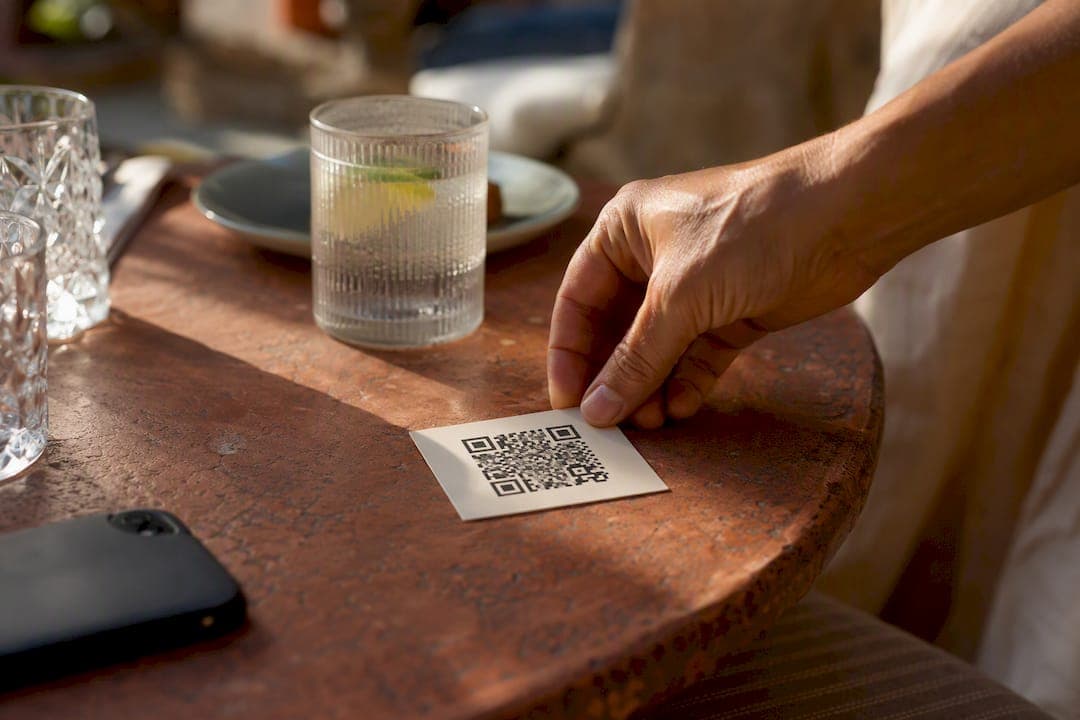
Use a dynamic online menu QR code that points to a mobile-friendly menu page, not a static PDF. In under 15 minutes you can host a mobile-optimized menu, generate a QR code you can re-target later, and print it where guests actually look. Dynamic beats static for one simple reason: you can swap the destination anytime and see how many people scanned it, without touching the printed code.
Key Takeaways
A dynamic online menu QR code paired with a mobile-first page beats a static PDF because it lets you update prices, swap dishes, and track scans without ever reprinting.
| Point | Details |
|---|---|
| Choose dynamic over static | Dynamic codes let you redirect the same printed QR to a new menu without reprinting anything. |
| Host a page, not just a PDF | Mobile-optimized pages load faster and support filters, photos, and translation that PDFs can't. |
| Add a visible call-to-action | A line like "Scan to view menu" can boost scan rates by as much as 60% according to one provider. |
| Test before you print | Scan every code on one iPhone and one Android, and keep total page weight under 2 MB. |
| Pick a platform, not a patchwork | RESTOBOT combines an instant website, dynamic QR menu, pay-at-table, and analytics under one zero-commission subscription. |
Table of Contents
- What Is an Online Menu QR Code and Why It Matters
- How To Create An Online Menu And A QR Code
- Design And Placement Rules That Actually Get Scanned
- Managing Your Menu And The Integrations Worth Having
- What To Look For When Choosing A QR Menu Solution
- Why An Integrated Platform Cuts Down The Busywork
- Troubleshooting Common QR Code Scanning Problems
- Get Your Menu Online And Scannable Today
- Sources
- FAQ
What Is an Online Menu QR Code and Why It Matters
An online menu QR code is a small scannable image that opens your menu in a guest's phone browser the instant they point a camera at it. No app, no download. Modern iPhone and Android cameras read these codes natively through the built in camera, so there's nothing for the guest to install.
The business case is straightforward:
- Contactless service cuts down on shared, sticky laminated menus and speeds up table turnover during busy shifts.
- Lower printing costs since you're not reprinting every time a price or dish changes.
- Faster updates mean a Tuesday lunch special can appear by 11:00 AM and vanish by 2:00 PM with zero reprints.
- Built-in accessibility, including larger text for guests who need it and, on hosted pages, one-tap translation.
- Scan analytics show you when people actually look at the menu, which is data a printed menu never gives you.
Picture a seafood restaurant that runs a lunch menu until 3:00 PM, then flips to a dinner menu with different pricing. With a dynamic menu QR code pointed at a redirect URL you control, the switch happens on the back end. The printed table tent never moves. On privacy, stick to reputable hosting and HTTPS links. A QR code itself carries no personal data; it just points somewhere, so the real security question is always about where it points.
How To Create An Online Menu And A QR Code
You have two realistic paths. The fast one: export your menu as a PDF, host it somewhere with a stable link, and generate a QR code pointing to that file. The better one, and the one we recommend: build a proper mobile-first menu page instead. Web pages beat PDFs on phones because they load faster, resize properly, and support filters, allergen tags, and photos that a scanned PDF simply cannot do.
Here's the order of operations:
- Prepare your menu content. Finalize dishes, prices, descriptions, and photos before you build anything, so you're not editing mid-setup.
- Choose your hosting. Use a restaurant platform with a built-in menu editor, or host a standalone page or PDF on your own site.
- Generate the QR code. Pick dynamic if you plan to change destinations or want scan data; pick static only if the URL is permanent and you don't need tracking.
- Test on real devices. Scan the printed proof with at least one iPhone and one Android before it goes to print.
- Print and place it. Position it where a seated guest can scan without standing up.
The decision point that trips up most owners: static QR codes are free and, with some generators, entirely private since the URL never touches a server. But a static code breaks the moment the destination URL changes. If your menu is genuinely fixed for the long haul, static works fine. If you update seasonally, weekly, or by shift, dynamic saves you from a reprint every time.
Pro Tip: *Compress your menu images so the total page weight stays under 2 MB, and test load time before printing a single code. Menu builders generally recommend a page that loads in under two seconds on mobile, since guests won't wait around at the table for a slow scan to render.*
Design And Placement Rules That Actually Get Scanned
Size and contrast make or break a QR code's usability at a dining table. Print it large enough to scan from arm's length, roughly 1.5 to 2 inches minimum for a table tent, bigger for anything mounted farther away like a window decal. Keep a clean white margin around the code (the "quiet zone") and avoid glossy laminate that throws glare back at the camera lens.
Placement matters as much as size:
- Table tents work best for sit-down service where guests are already seated and stationary.
- Table stickers or acrylic stands hold up better in high-turnover spots than paper, since they resist spills and don't curl.
- Counter and register placement suits quick-service and coffee shop formats.
- Receipts are useful for repeat-visit prompts, pointing guests to loyalty signups or a feedback form.
- Entrance windows let passersby check the menu before they even walk in.
Skip reflective foil or high-gloss finishes; they scatter light and confuse the camera's focus. For the file itself, export as SVG rather than a raster image so it scales cleanly at any print size, and use at least medium error correction if you're embedding a logo in the center. Add a short line of copy above or below the code, something like "Scan to view menu," since a visible call-to-action can increase scans by as much as 60% according to one provider's reported figures. For guests who'd rather type than scan, print the short URL underneath as a backup.
Managing Your Menu And The Integrations Worth Having
Once the code is printed, the real work is keeping the destination current. A static QR code locks you into whatever URL you generated on day one; a dynamic one lets you redirect the same printed code to a new page whenever a dish, price, or seasonal menu changes. That single difference is why most restaurants running frequent specials choose dynamic over static.
Beyond the menu itself, a few integrations reduce friction:
- Online ordering tied to the same QR flow so guests can browse and order without a separate app.
- QR pay-at-table for splitting checks or paying without waiting for a server.
- POS sync so menu changes on the digital side match what's rung up at the register.
- Delivery links to third-party couriers for takeout without building your own logistics.
- Reservation links embedded near the menu for guests deciding whether to book ahead.
On analytics, look at total scans, unique visitors, device type, and peak scan times. A spike in scans right before dinner service tells you when to schedule extra staff on the floor; a dead zone midafternoon might be your cue to push a happy hour promotion through the same code. Assign one person, usually a manager, to own menu edits so version control doesn't turn into three people editing the same page with conflicting prices. Keep a backup of the last known good menu version so a bad edit is a two-minute rollback, not a scramble during service.
What To Look For When Choosing A QR Menu Solution
Not every generator or platform handles a busy restaurant's needs the same way. Before you commit, run through this checklist:
- Does it support dynamic QR codes with re-targeting, or only static?
- Is there a mobile-first menu editor you can update yourself, without calling support?
- Can you export print-ready files in SVG or high-resolution PNG?
- Does it offer scan analytics, and are they detailed enough to act on?
- Does it connect to ordering, payment, and POS systems you already use?
- Can it handle multiple locations from one dashboard if you plan to grow?
When you're evaluating vendors, ask directly:
- Are there limits on how often I can re-target a dynamic code?
- Is pricing a flat subscription, or is there a per-scan or per-order fee?
- Who owns the guest and analytics data, the restaurant or the vendor?
Free static generators make sense for a single fixed menu with no plans to change it. A subscription model with dynamic codes and analytics makes more sense once you're editing menus regularly or running multiple locations. Avoid anything with hidden per-scan charges; a flat subscription with a clear feature list is easier to budget against than a bill that fluctuates with foot traffic.
Why An Integrated Platform Cuts Down The Busywork
Running a QR menu, an ordering system, payments, and reservations as separate tools means separate logins, separate bugs, and separate bills. An integrated platform puts menu edits, order flow, payment processing, and reservation management on one dashboard, so a price change at 10:00 AM shows up everywhere it needs to by 10:01.
The operational payoff shows up in a few concrete ways:
- Menu edits go live instantly across the website, QR menu, and ordering flow at once.
- Analytics for scans, orders, and reservations live in one place instead of three dashboards.
- POS and delivery courier integrations mean the kitchen ticket and the online order match automatically.
- A zero-commission ordering model means the money from a $40 order stays $40, rather than losing a chunk to a marketplace fee.
RESTOBOT builds toward exactly this model. It spins up an instant restaurant website with an embedded menu the moment an application is confirmed, layers in QR pay-at-table and staff tipping, and adds CRM and analytics without a second subscription for a separate tool.
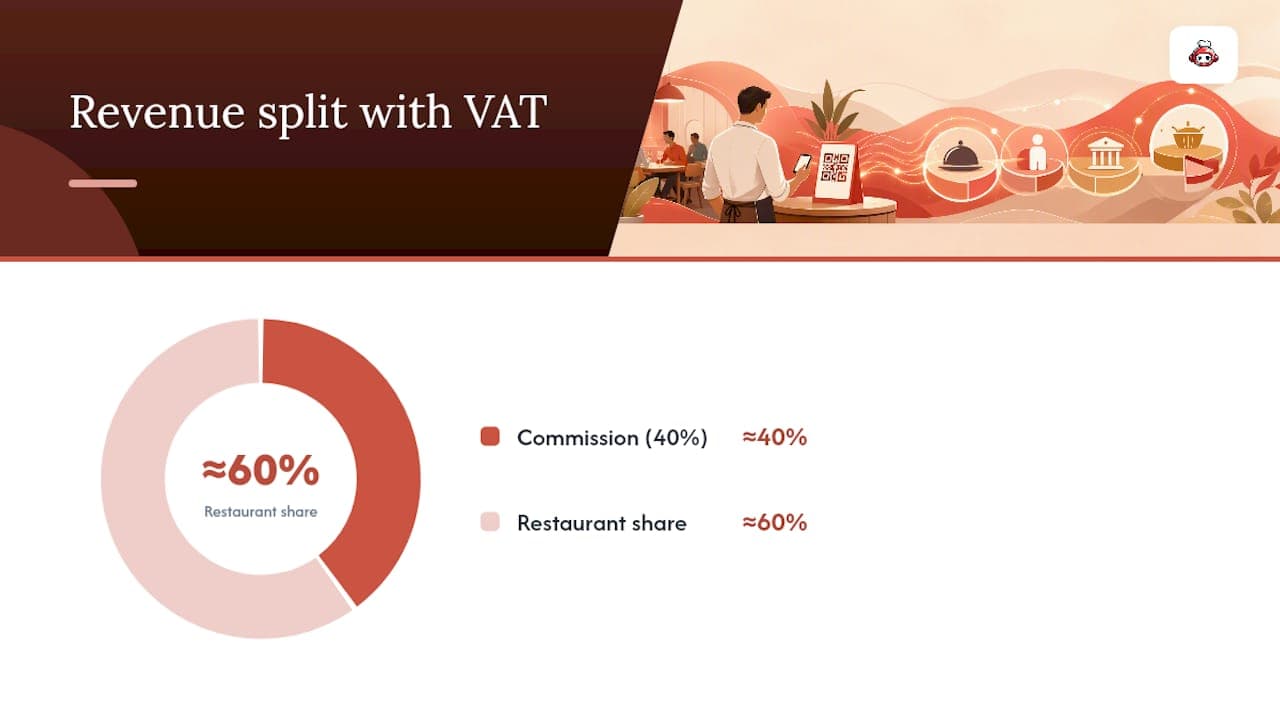
Restaurants using marketplace delivery apps often hand over close to 30% of an order's value in commission before tax, and closer to 40% once VAT on that commission is factored in. A platform charging a flat subscription instead of a per-order cut changes that math entirely.
Troubleshooting Common QR Code Scanning Problems
Most scanning complaints trace back to a handful of fixable causes. If a guest's camera won't focus, the print is usually too small, too glossy, or too close to the edge of a table card with no white margin around it. Increase the size and switch to a matte finish before you assume the code itself is broken.
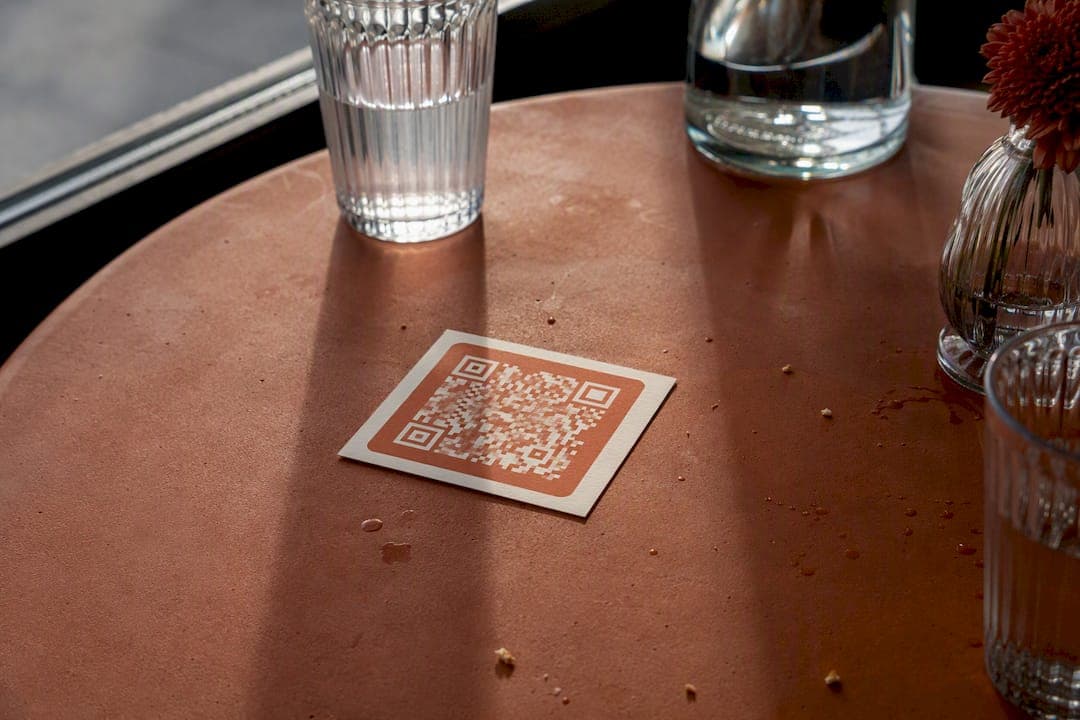
A blank or error screen after scanning almost always means the destination URL changed and the QR code wasn't updated to match, which is the exact failure mode a static code is vulnerable to. If you're on a dynamic system, check that the redirect was saved and published, not just edited in draft.
Slow loading is a mobile-page problem, not a QR problem. Heavy, uncompressed photos are the usual culprit. Trim total page weight and re-test.
Low lighting near entrances or on outdoor patios can also stop a scan cold, since the camera needs enough contrast to read the pattern. Move the code to better-lit signage or add supplemental lighting near table tents used outdoors.
Finally, some older phone camera apps don't scan QR codes natively and require a separate scanner app. Printing a short backup URL beneath the code solves this for the small number of guests running outdated devices.
A Manager's And A Product Lead's Take
A restaurant manager who switched menus mid-shift put it simply: three items changed between lunch and dinner, zero reprints needed. A product lead's note: the biggest operational win isn't the QR code itself, it's never touching a printer again.
Get Your Menu Online And Scannable Today
If you've made it this far, you already know the fastest path is a mobile-friendly menu page paired with a dynamic QR code you control. RESTOBOT builds that page for you automatically the moment your application is confirmed, no design work, no waiting days for a developer. The instant restaurant website builder comes with the menu embedded from day one, along with QR pay-at-table, staff tipping, and CRM analytics baked into the same dashboard you'll use to edit dishes and prices.
Pricing runs on a flat subscription with zero commission on orders, so a busy Saturday doesn't cost you more than a slow Tuesday. Check out the full RESTOBOT platform and get your menu, ordering, and QR code live the same day you apply.
Sources
FAQ
Is An Online Menu QR Code Free To Set Up?
A basic static QR code is free to generate and can be private if it's made client-side. A dynamic QR code with analytics and re-targeting typically comes as part of a paid subscription, since someone has to host and manage the redirect.
Why Are Some Restaurants Ditching QR Codes?
Some restaurants dropped QR-only menus because relying on a single scan removed the tactile, browsable feel guests associate with dining out, and slow-loading or poorly designed pages frustrated people at the table. The fix isn't abandoning QR codes, it's using a fast, well-designed mobile page instead of a clunky PDF.
How Do I Test My QR Code Before Printing?
Scan the printed proof with at least one iPhone and one Android camera, confirm the page loads in a couple of seconds, and check that the menu displays correctly on a small screen before sending it to final print.
What Size Should A Printed QR Code Be?
For a table tent scanned at arm's length, print the code at roughly 1.5 to 2 inches minimum, with a clean white margin and a matte finish to avoid glare.
Can I Change My Menu After The QR Code Is Printed?
Yes, if you're using a dynamic QR code pointed at a redirect URL you control. A static code locked to a fixed link would need a full reprint instead.