


Reply to Google reviews promptly and professionally. A short reply that acknowledges the customer and offers a next step usually improves public perception and can lead to a revised rating. Start with two things today: confirm your Google Business Profile is verified, then reply promptly to a recent review, negative or positive.
***
TL;DR:
>
- Verify your Google Business Profile first; replies usually appear in about 10 minutes, though Google says publication can take up to 30 days. - For negative reviews, apologize directly, name the specific problem, offer a concrete remedy, and move details offline through an email address or phone number. - For positive reviews, mention a specific dish, staff member, or visit detail and invite the customer back, but never tie discounts or rewards to reviews. - Assign a manager to check reviews weekly, reply to negative feedback within 24 hours, and escalate safety, discrimination, or legal threats to the owner.
***
Table of Contents
- Why replying to Google reviews matters for small businesses
- Step-by-step: how to find and reply to Google reviews
- Best practices for responding to negative Google reviews
- Best practices for responding to positive Google reviews
- Practical response templates and annotated examples
- Make replying repeatable: ownership, timing, and escalation
- RESTOBOT's practical tips for restaurants managing reviews
- What the data actually tells small business owners
- How RESTOBOT helps you keep up with reviews
- FAQ
- Sources
Why replying to Google reviews matters for small businesses
Customers read your responses as closely as they read the reviews themselves. A thoughtful reply to a complaint shows prospective customers how you handle problems, and a warm reply to praise reinforces why someone should choose you over a competitor with the same star rating, as explored in depth in The Role of Customer Reviews in Hospitality.
A study from [Harvard Business Review](https://hbr.org/2018/02/study-replying-to-customer-reviews-results-in-better-ratings) found that brands that reply to customer reviews tend to see improved ratings and greater customer engagement over time. That matters because star ratings are often the first thing a searcher compares before clicking into your menu or booking a table.
Replying also keeps your Business Profile active, which signals to Google and to visitors that someone is actually running the account. A profile with months of unanswered reviews reads as neglected, even if the food or service has improved since the complaint was posted.
Three concrete benefits make the time worth spending:
- Responding to an unhappy customer directly can prompt them to revisit and sometimes revise their original rating.
- A visible pattern of replies gives undecided customers evidence that you take feedback seriously.
- Regular activity on your profile keeps your listing from looking abandoned to anyone scanning search results.
None of this requires a long reply. It requires a consistent one.
Step-by-step: how to find and reply to Google reviews
Before you reply to anything, confirm your Google Business Profile is verified. An unverified profile limits what you can manage, including review replies, so this is the first box to check if you have never done it.
Once verified, you can reply through any of these paths:
- Open Google Search, type your business name, and tap the "Reviews" tab on your Business Profile panel.
- Open Google Maps, search your business, scroll to the reviews section, and select the review you want to answer.
- Log into Google Business Profile Manager directly, go to the reviews section, and reply from there.
In each case, you find the review, click "Reply," write your response, and submit.
Google's own help documentation explains that replies are reviewed before they post publicly and that the reviewer is notified once you respond. Posting usually takes about 10 minutes, though Google notes it can occasionally take up to 30 days. A few practical points worth knowing:
- Keep replies factual and avoid wording that could trigger a moderation delay, such as threats or requests for personal information.
- You can edit or delete a reply at any time after posting, which is useful if you need to correct a detail or soften a tone.
- The reviewer sees a notification when you reply, so there is a real chance they will read and react to what you write.
A verified profile also lets you share a review request link or QR code, which Google's guidance describes as a straightforward way to encourage more customers to leave feedback in the first place.
Best practices for responding to negative Google reviews
A negative review is not an argument to win. It is a public record of how you handle a bad moment, and the way you respond often matters more to future customers than the complaint itself.
Lead with a brief, genuine apology before anything else. Skip the defensive instinct to explain why the reviewer is wrong, even when you believe they are. Arguing in public rarely changes the reviewer's mind and almost always damages the impression left on everyone else reading the thread.
A strong negative-review reply does three things:
- Acknowledges the specific issue the customer raised, not a generic version of it.
- Offers a concrete next step: an investigation, a refund, a replacement, or an invitation to discuss details privately.
- Moves the conversation offline with a direct contact method, such as an email address or phone number.
Certain responses cross a line that can create real legal exposure. The FTC's guidance for marketers warns against practices like suppressing genuine negative feedback or pressuring reviewers to change their posts, and its Consumer Review Rule prohibits buying or suppressing reviews, with penalties possible for violations. Threatening legal action against a reviewer, demanding they delete their post, or writing a public rebuttal that attacks their character all fall into territory you should avoid entirely.
Pro Tip: *Write your first draft, then delete the first sentence if it starts with "unfortunately" or "actually." Both words usually signal you're about to explain instead of apologize.*
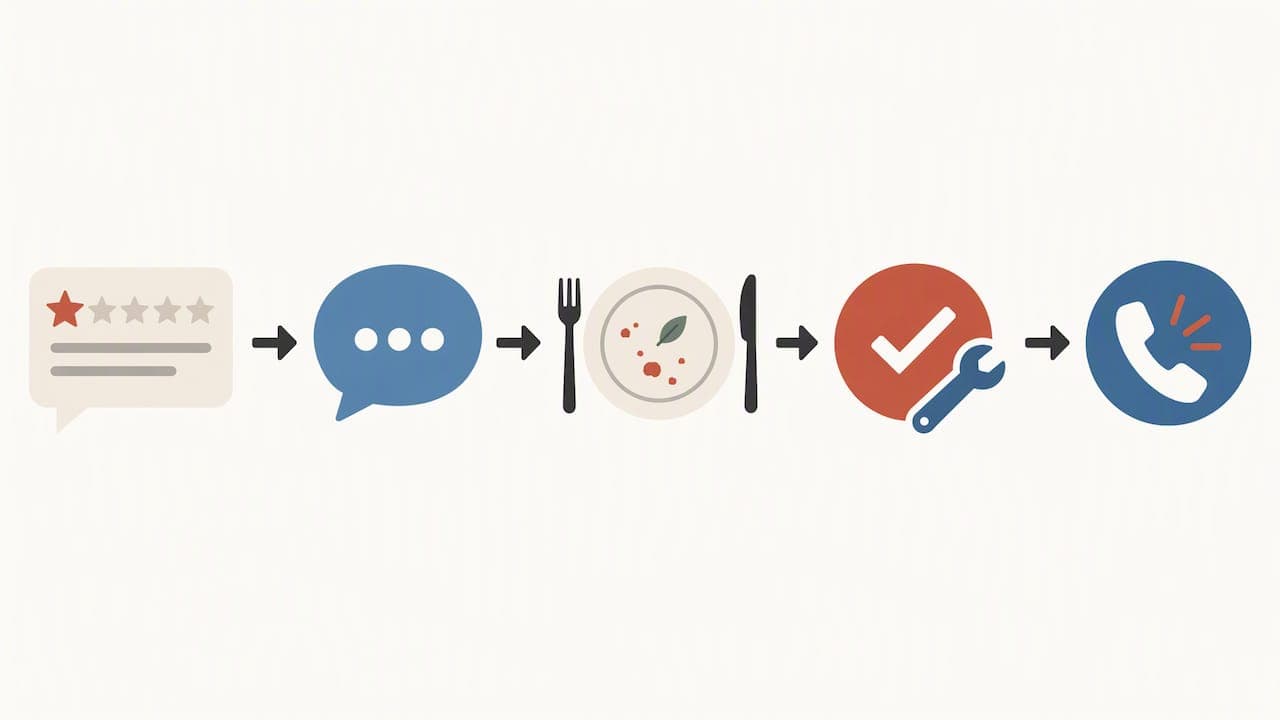
Keep the script simple: thank them for the feedback, name the specific problem, state what you're doing about it, and give them a way to reach you directly. Avoid phrases like "we're sorry you feel that way," which reads as dismissive rather than accountable.
Best practices for responding to positive Google reviews
A five-star review deserves more than "Thanks!" A specific, personal reply turns a one-time compliment into a reason for that customer to come back and for the next reader to make a reservation.
Reference something concrete from the review itself, whether that's a dish, a server's name, or a detail about the visit. Generic replies read as copy-paste templates, and customers notice the difference between a reply written for them and one written for anyone.
A few habits make positive replies more effective:
- Thank the reviewer by name when their profile shows one, and mention the specific detail they praised.
- Invite them back with a light, specific nudge, such as mentioning a seasonal item or an easy way to book again.
- Credit staff by name when the review calls them out, since public recognition tends to boost morale and retention.
Avoid any language that implies a reward for the review itself, such as offering a discount in exchange for it. The FTC's guidance on featuring customer reviews stresses treating positive and negative feedback with the same transparency, and tying rewards to specific reviews blurs that line. A simple "we'd love to see you again soon" does the job without wading into incentive territory.
Positive replies compound over time. Every warm, specific response becomes part of the public record a hesitant customer reads before deciding whether to trust you with their evening.
Practical response templates and annotated examples
Templates save time, but only when you adapt them to the specific review instead of pasting them verbatim. Below are starting points for the most common situations a restaurant or small business will see.
- Positive, specific review: "Thank you for the kind words about our weekend brunch, [name]! We'll pass your note along to the kitchen team. Hope to see you again soon."
The thanks is specific (brunch), it credits the team, and it closes with a light invitation back, without sounding scripted.
- Positive, generic review: "We're so glad you enjoyed your visit! Thanks for taking the time to share this, and we hope to welcome you back soon."
When a review offers no detail to reference, a warm, short reply still works better than silence.
- Negative, service complaint: "We're sorry your visit didn't match what we aim for, [name]. We'd like to look into what happened that evening. Please reach us at [contact] so we can make it right."
The apology is direct, the next step is concrete, and the conversation moves offline before it escalates further.
- Negative, food quality complaint: "Thank you for flagging this. Food quality is something we take seriously, and we'd like to investigate what went wrong with your order. Please contact us at [contact] with the date of your visit."
Naming the exact issue (food quality) signals you read the review closely rather than sending a form response.
- Neutral or mixed review: "Thanks for the honest feedback. We're glad you enjoyed [specific detail], and we're working on improving [specific concern]. Hope to see you again."
Mixed reviews respond well to acknowledging both halves rather than only the positive or only the negative.
- Fake or misplaced review: "We don't have a record of a visit matching this review. If you believe this was posted in error, please contact us directly at [contact] so we can look into it."
This response stays neutral in public while opening a path to resolve the mistake, and you can separately flag the review through Google's reporting tools for content that violates its policies.
Make replying repeatable: ownership, timing, and escalation
A reply policy only works if someone owns it. In most small restaurants, the manager on duty handles day-to-day replies, the owner steps in for anything involving a refund or legal concern, and frontline staff can be trained to draft replies to minor, low-severity reviews for a manager to approve and post.
Set a clear target: aim to reply promptly to new reviews, ideally within a few days, ensuring timely engagement. Reviews mentioning safety issues, discrimination, or threats of legal action should go straight to the owner or manager, with a short written record of what happened and how it was resolved.
A simple weekly habit keeps this from slipping:
- Check your Business Profile every Monday for new reviews from the past week.
- Reply to anything negative within the 24 hour window before it sits unanswered.
- Track your reply rate and note any shift in your average rating month over month.
Businesses that reply consistently to reviews tend to see measurable improvements in ratings over time, according to Harvard Business Review's research. That gives you a reason to treat a 10-minute weekly check as part of running the business, not an optional extra.
Document any escalated incident with the date, the complaint, and the resolution. This protects you if a dispute resurfaces later and gives the next manager on shift the context to avoid repeating the same mistake.
RESTOBOT's practical tips for restaurants managing reviews
Running a kitchen leaves little time to hunt for new reviews across Google and TripAdvisor every day, so we built review tools directly into the restaurant workflow instead of treating them as a separate task. Our platform creates a sharable review link the moment a restaurant's profile is confirmed, since website creation itself happens automatically and instantly once that confirmation goes through.
We designed our system to avoid commissions on orders, so the time a restaurant saves on review management does not reduce their revenue. For individual staff, our Tips feature lets a waiter or bartender collect feedback and ratings tied to their own profile through a QR code, with no commission taken by us on any tip collected.
A few habits make review requests convert better without crossing into incentivized territory:
- Place a QR code on receipts and reservation confirmations so customers can leave a review within seconds of their visit.
- Send a short, personalized follow-up message after a reservation rather than a generic blast to every past customer.
- Keep your Google Business Profile details current, since a stale address or hours listing discourages customers from leaving feedback at all.
For a deeper walkthrough on building a review link for your own restaurant, see our guide on creating a Google review link.
What the data actually tells small business owners
The advice to "just reply to every review" misses the real lesson from the research. What moves the needle isn't volume of replies, it's specificity. A generic "thank you for your feedback" posted on every review does little, while a reply that names the exact dish, server, or problem signals genuine attention and tends to be the kind of response that encourages a reviewer to revise their rating.
Most small business owners overrate the risk of replying to a harsh review and underrate the risk of staying silent. Silence reads as indifference to the hundreds of future customers who will scroll past that review before deciding whether to book a table.
If you do only one thing from this guide, make it the negative-review workflow: apologize specifically, offer a next step, and move the conversation offline. That single habit, done consistently, does more for your reputation than a perfectly worded reply to praise ever will.
*— ADMIN*
How RESTOBOT helps you keep up with reviews
Between seating guests, managing the kitchen, and running the floor, review replies are easy to let slide, and that's exactly where our platform picks up the slack. We built our review-boosting tools to generate shareable review links the moment your profile goes live, since website creation happens automatically right after your application is confirmed, often within minutes.
Our subscription plans give restaurants different levels of support depending on what you need: the LOYALTY plan at €49 per month covers loyalty-card and engagement tools, the MENU plan at €99 per month adds the full online menu and ordering setup, and the FULL plan at €199 per month brings every feature together, including the establishment-level tipping controls. None of our plans charge a commission on orders, so the revenue you drive through better reviews and repeat visits stays with you.
For individual staff who want to collect feedback and tips tied to their own name rather than the restaurant's account, our Tips feature works independently of whether your restaurant uses RESTOBOT at all, with no commission taken from the tips themselves.
If review management has been sitting at the bottom of your to-do list, check our pricing page to see which plan matches your current setup, or explore the Tips page if you're looking for a standalone option for your team.
FAQ
Can I respond to a response on Google reviews?
You can edit or delete your own business reply at any time, but Google does not provide a built-in way for a reviewer to publicly reply back to your response within the same thread. If a conversation needs to continue, invite the reviewer to contact you directly through a phone number or email listed in your reply.
How to respond to Google reviews examples?
A positive example references a specific detail, like "thanks for the kind words about our weekend brunch," and invites a return visit. A negative example apologizes directly, names the specific issue raised, and offers a way to resolve it offline, such as an email address for follow-up.
Is it worth responding to Google reviews?
Yes. Research from Harvard Business Review found that businesses that reply to customer reviews tend to see improved ratings and stronger customer engagement over time. A consistent reply habit also keeps your Business Profile looking active rather than abandoned.
Can I message someone who left a Google review?
Google does not provide a direct private messaging feature between a business and a reviewer through the review system itself. The standard approach is to reply publicly with a brief acknowledgment and invite the reviewer to reach you through a phone number or email you provide in that reply.