

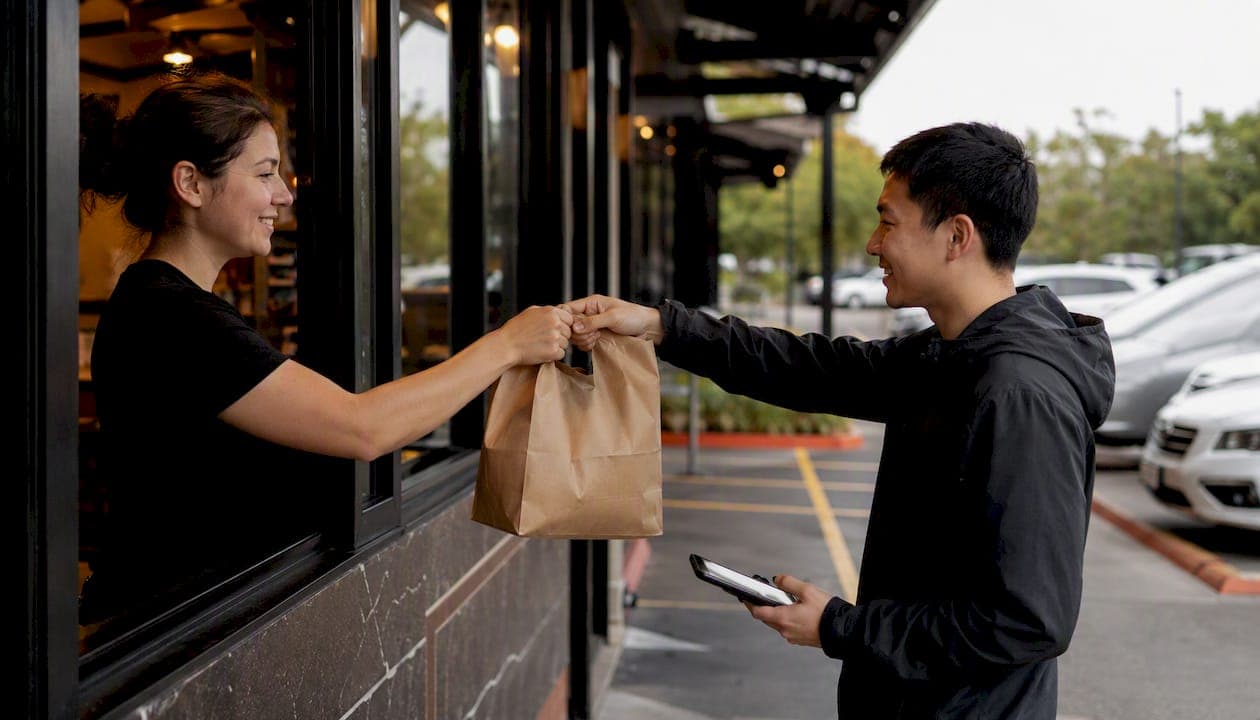
Enable one tightly integrated curbside workflow, and everything else falls into place: online order flows straight to your POS, fires to the kitchen, triggers a real-time check-in text, and ends in a staged handoff a runner can complete in under a minute. That's the whole job. Three things need your attention in the next 48 to 72 hours: POS integration so orders stop landing on a second screen, a guest check-in channel (SMS through a provider like Twilio works fine), and a staging and runner process so nobody's hunting through bags in the parking lot.
Dine-in traffic collapsed hard during the pandemic, and curbside pickup absorbed the demand almost overnight, exposing how many restaurants were running the process on radios and a dry-erase board. That improvisation era taught the industry something durable, and it still applies whether you're a single location or running a small group: drive-thru and curbside can actually lower costs and increase margins when the technology and the process are built together instead of bolted on.
Key Takeaways
A curbside pickup restaurant program succeeds when POS integration, real-time guest check-in, and a defined staging process operate as one connected system rather than three separate fixes.
| Point | Details |
|---|---|
| Integrate POS first | Route every online order automatically to the kitchen display before adding other tech. |
| Automate guest check-in | Use SMS (via a provider like Twilio) or app-based check-in to remove the need for a manual lot director. |
| Design staging zones | Use two to four zones grouped by name or pickup time to cut runner search time. |
| Track five KPIs | Watch throughput, dwell time, accuracy, contact attempts, and complaint rate during a pilot of about one month. |
| Deploy with RESTOBOT | RESTOBOT's ordering, POS integration, and dashboard tools map directly to this playbook's tech checklist. |
Table of Contents
- What Do You Need to Launch Curbside Pickup Restaurant Service?
- How Does Curbside Pickup Actually Work Step by Step?
- What Technology Do You Actually Need for Curbside Pickup?
- Which KPIs Predict a Successful Curbside Rollout?
- How Should You Roll Out Curbside Pickup in Phases?
- What I Learned Watching Curbside Systems Get Rebuilt Under Pressure
- How RESTOBOT Fits Into Your Curbside Rollout
- Where to Go for Deeper Curbside Guidance
- Sources
- FAQ
What Do You Need to Launch Curbside Pickup Restaurant Service?
Before you pilot anything, confirm you have these pieces in place:
- Reserved, clearly signed curbside spots with a simple numbering scheme (Spot 1, Spot 2, and so on).
- POS and order routing tied together, so online orders land on the kitchen display without a staff member retyping them.
- A guest arrival method: SMS check-in, an app, or even a plain "text HERE + your spot number" flow.
- A staging system with two to four zones, organized alphabetically or by pickup-time window.
- Defined roles: a runner/expediter, a payment operator, a lot updater, and someone watching the manager dashboard.
- Basic hardware: a couple of tablets or Chromebooks, a mobile-capable POS or one centralized payment station, wireless headsets, and insulated bags.
- Templated SMS messages for order confirmation, ETA, and "on my way" prompts.
Pro Tip: *Number your spots instead of naming them by location ("Spot 3," not "by the tree"). Numbers translate cleanly into a text message, a dashboard, and a printed sign, which cuts confusion during your first two weeks of service.*
How Does Curbside Pickup Actually Work Step by Step?
Here's the sequence, start to finish:
- The guest places an order online or through your ordering channel.
- The order fires automatically to the POS and kitchen display, no manual re-entry.
- The guest gets a text with pickup instructions and a spot number to park in.
- The guest arrives, parks, and checks in by text or app, which flags their spot as occupied on the staff dashboard.
- The kitchen finishes the order and moves it to the correct staging zone.
- A runner scans the dashboard, grabs the order, confirms payment, and delivers it to the vehicle.
- The spot is marked open again, closing the loop for the next guest.
Assign roles instead of letting everyone float. You need a lot updater (or an automated check-in system doing that job for you), a kitchen expediter, a runner, a payment operator, and a manager watching the dashboard for backups. During slow stretches, one person can cover two roles. During a Friday dinner rush, that doubling breaks down fast.
Staging zones matter more than most owners expect. Two to four zones, grouped either alphabetically by first name or by pickup-time window, cut the time a runner spends scanning bags looking for the right name. Best practice guidance on staging also recommends a dedicated kitchen-to-curb communication channel and wireless headsets, because a runner yelling across the parking lot is not a system.
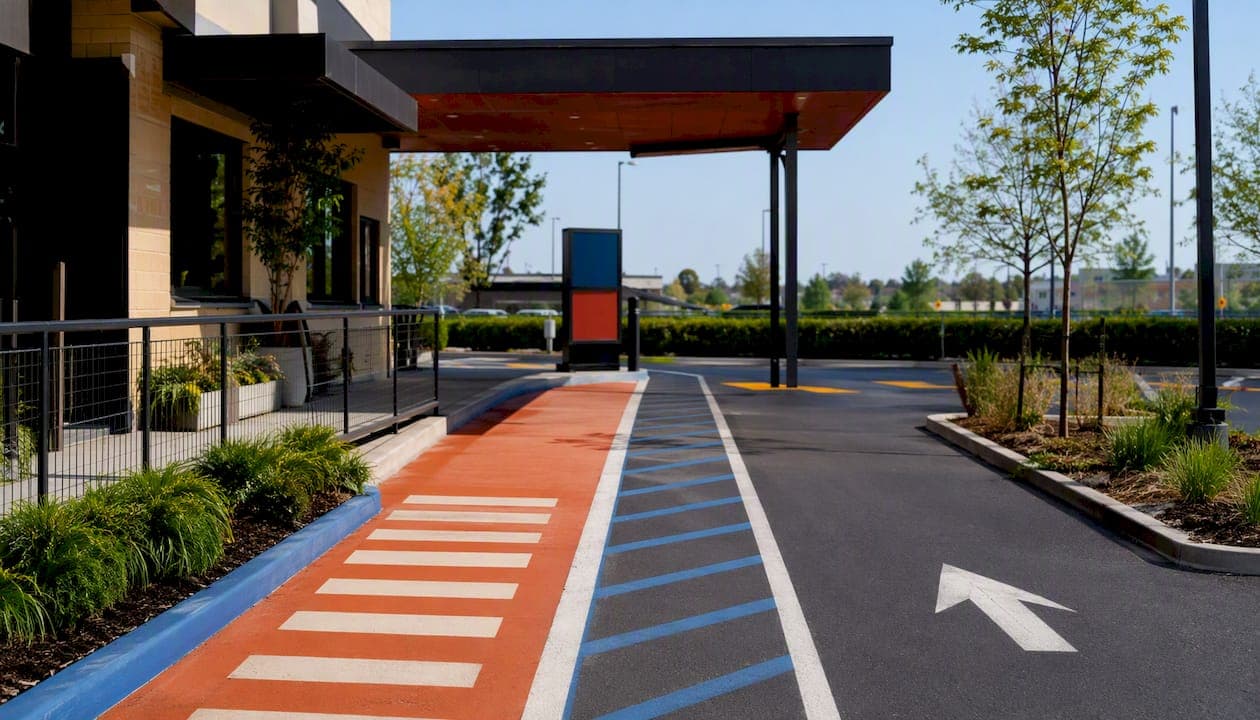
Safety needs its own design pass, not an afterthought. Separate the curbside lane from your dine-in entrance, mark a clear pedestrian path, and designate distinct entry and exit points for vehicles. Oracle's guidance on curbside layout treats this as a core redesign question, not a signage detail, because mixing pedestrian and vehicle traffic is where most curbside injuries happen.
Plan for failure modes before they happen: a missed check-in, a misplaced bag, a card reader that won't connect. A centralized payment station as backup, plus a documented re-bagging protocol, keeps one bad ticket from stalling the whole line.
Pro Tip: *During a documented pandemic-era rollout, switching from manual radio coordination to a real-time parking dashboard with SMS check-in eliminated the need for a dedicated person just directing traffic in the lot.*
What Technology Do You Actually Need for Curbside Pickup?
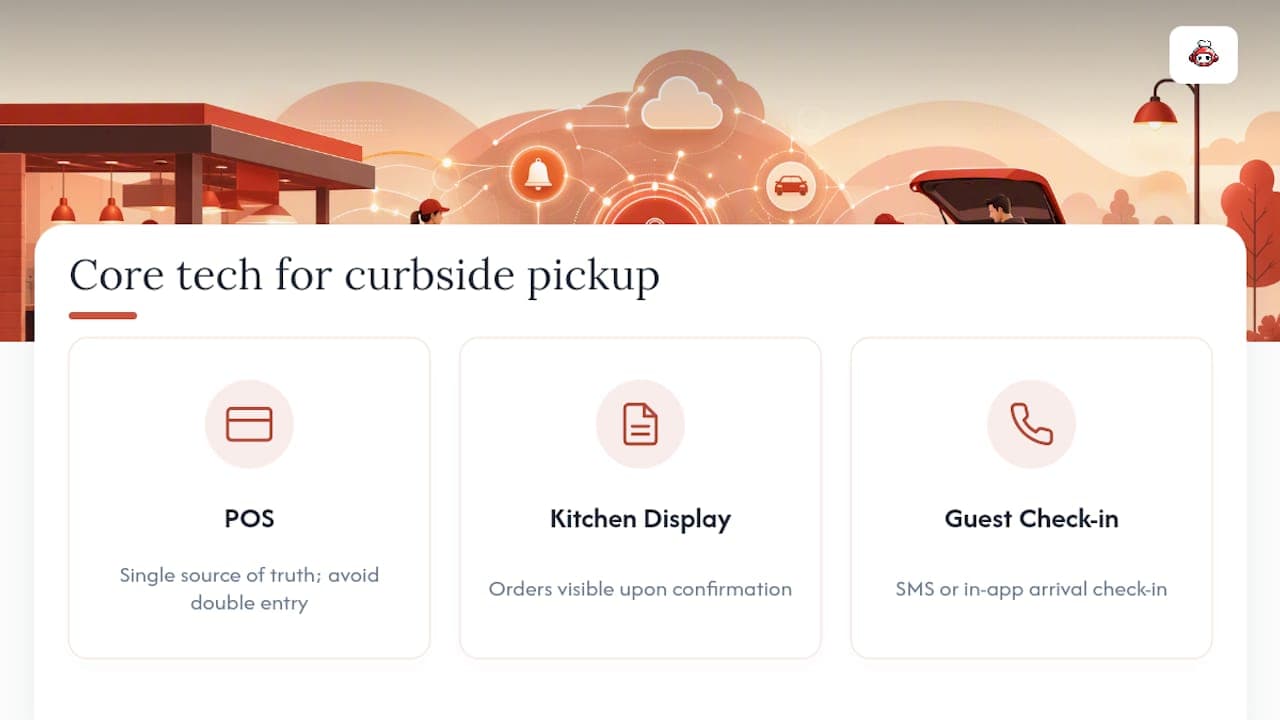
Three pieces are non-negotiable. First, POS integration, because orders have to move automatically instead of getting keyed in twice. POS-first sequencing is the standard recommendation in restaurant automation checklists, and for good reason: every other integration depends on the POS being the single source of truth. Second, kitchen display visibility so cooks see the order the moment it's confirmed. Third, a guest check-in channel, whether that's SMS or an in-app prompt.
Beyond those three, a supporting layer makes the system reliable at scale. A real-time backend like Firebase keeps every screen (kitchen, runner tablet, manager dashboard) reading from the same live data instead of five separate spreadsheets. An SMS provider like Twilio handles the check-in texts and status updates. Staff-facing dashboards on a Chromebook or tablet give the lot updater and manager a shared view of who's parked where. If you run a mobile app, geofencing can auto-detect arrival without a text at all.
Run through this integration checklist before launch: map every ordering channel to a matching POS item, test how modifiers and special notes flow through to the kitchen ticket, and confirm refunds and voids work cleanly for curbside orders specifically, since a bag that never left the building needs a different resolution than a wrong item mid-delivery.
Timeline-wise, a small pilot with one spot and basic SMS check-in typically runs a few weeks to stand up. A full rollout with tighter POS integration across multiple locations or shifts usually takes longer. Costs scale the same way: a bare pilot needs signage, one to three tablets, and modest SMS volume. A custom app with geofencing or smart lockers costs considerably more and rarely makes sense until your basic workflow is already stable.
Build a fallback for when the network drops. Manual SMS check-in and phone-based confirmation should be your documented backup, not an improvised scramble, and your payment operator needs a clear answer for what happens when a card reader loses signal mid-transaction.
Which KPIs Predict a Successful Curbside Rollout?
Track five numbers: throughput (orders per hour), average dwell time from arrival to handoff, order accuracy rate, how many contact attempts it takes to reach a guest, and your refund or complaint rate tied specifically to curbside orders.
Structure your pilot around this:
- Run it for 30 days minimum, not a single weekend.
- Capture a baseline before you change anything.
- Measure across three time-of-day windows: lunch, dinner, and a slower midday stretch.
- Time your top five menu items specifically, since prep-time variance often explains dwell-time spikes better than staffing does.
Pull your data from POS logs, SMS check-in timestamps, and manager dashboard records, backed up by manual spot checks from staff during peak hours. If dwell time isn't trending down by week three, that's your signal to add a staging zone or a second runner before the problem becomes a pattern of bad reviews.
How Should You Roll Out Curbside Pickup in Phases?
Don't flip the switch on every spot at once. Phase it:
- Phase 0, pilot: one spot, off-peak hours only, so your team can work out kinks without pressure.
- Phase 1, expand: three to four spots, now including peak hours.
- Phase 2, full schedule: every spot, every shift, including weekends.
Staff training needs to cover more than "how to use the tablet." Give each role a short script, train on the actual devices they'll carry, set radio or headset etiquette so the channel doesn't turn into noise, and walk through parking lot safety procedures specifically. Cross-train at least one backup person per role before a holiday rush, because that's exactly when someone calls in sick.
Have a contingency plan written down, not just discussed: what happens if POS integration drops mid-shift, how you handle a sudden order surge, and what your fallback payment and refund flow looks like. On the customer side, template your messages in advance: order confirmation, "on my way," delay notification, and a short post-pickup feedback request.
What I Learned Watching Curbside Systems Get Rebuilt Under Pressure
The restaurants that struggled with curbside in 2020 weren't short on effort. They were short on shared information. Every station, the kitchen, the runner, the person watching the lot, was working off its own version of the truth, and that gap is where orders got lost and guests got angry standing in their cars.
The fix wasn't more staff. It was one live data source everyone could see, paired with role-based interfaces so each person only saw what mattered to their job. One documented rollout replaced manual radios and a whiteboard with a real-time, color-coded parking dashboard and SMS check-in, and high-volume takeout stopped feeling chaotic almost immediately. If you take one lesson from this entire playbook, make it that one.
How RESTOBOT Fits Into Your Curbside Rollout
RESTOBOT is built to remove the exact friction points this playbook flags: manual re-entry, disconnected messaging, and staff working from different screens. The platform gives you an online ordering channel and restaurant website that can go live fast, POS integration so curbside orders route without double handling, and a manager dashboard with CRM and analytics built for exactly the KPI tracking this article recommends. Its QR payment and tip tools support contactless handoffs at the curb, and because RESTOBOT charges zero commission on orders, your curbside volume doesn't quietly lose margin to a third-party marketplace fee. If you're planning a pilot, set up your RESTOBOT ordering channel and map your POS integration before your first curbside spot opens.
Where to Go for Deeper Curbside Guidance
- Oracle's best-practice guide for POS integration and safety layout standards.
- The curbside-york project for a real, documented curbside system built during COVID.
- Curbside rollout guidance for pilot planning and simple check-in workflows.
- Restaurant automation checklist for POS-first integration sequencing.
- Guest wait-time tracking guidance from Venue Wrangler for dashboard and dwell-time context.
- RESTOBOT's blog for ongoing implementation guides.
Sources
FAQ
What Is Curbside Pickup for Restaurants?
Curbside pickup lets guests order ahead online and receive their food delivered to a reserved parking spot, without leaving their vehicle, once an integrated POS and check-in system confirms their arrival.
How Does Curbside Pickup Check-In Work?
Most systems use SMS: the guest texts their spot number or gets a link, which updates a shared staff dashboard so the runner knows exactly where to deliver the order.
What Technology Does a Curbside Pickup Restaurant Need?
At minimum, POS integration, kitchen display visibility, and an SMS or app-based check-in channel; platforms like RESTOBOT combine ordering, POS integration, and dashboards into one system.
How Long Does It Take to Launch Curbside Pickup?
A basic pilot with one reserved spot typically takes a few weeks to set up, while a full multi-spot rollout with tighter POS integration usually takes longer.
What KPIs Show a Curbside Pickup Program Is Working?
Watch throughput per hour, dwell time from arrival to handoff, order accuracy, and refund or complaint rates, measured over a 30-day pilot across different times of day.