

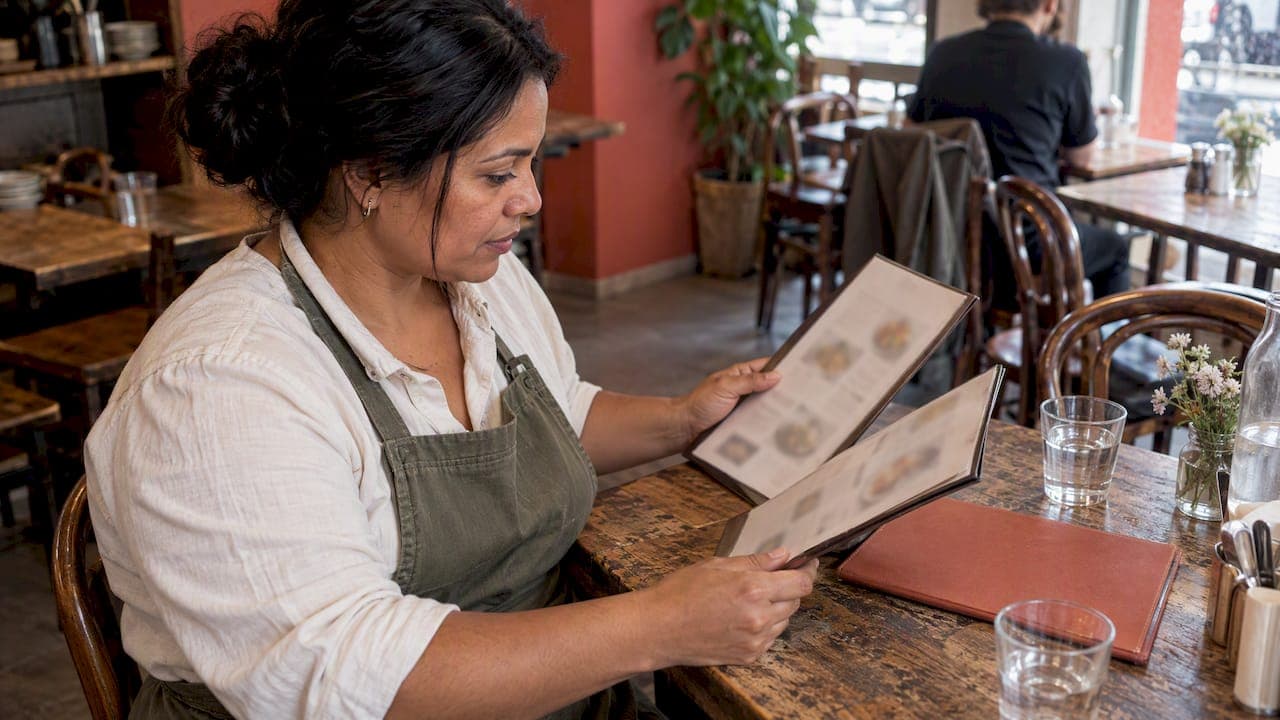
To translate a restaurant menu well, start with a clean master menu in your own language. Translate dish names and descriptions with a tool or a professional, have a native speaker check the result, and publish it as an online menu that you edit in one place. Allergen information needs the most care, because a wrong word there is a safety problem. This guide covers each step, from choosing between machine and human translation to keeping prices and daily specials identical in every language.
TL;DR
- Write a clear master menu first. Unclear source wording is the main cause of poor translations.
- Use machine translation for a first draft and a human who speaks the language for anything guests rely on: dish names, ingredients and allergens.
- Keep one source of truth. An online menu edited in one place avoids translated versions drifting apart on prices and specials.
- Show allergens in every language, using the same structure each time, and send guests with serious allergies to speak to staff.
- Mark the language of each page in the code so search engines and screen readers handle it properly.
Table of Contents
- Why a translated menu matters
- Step 1: Fix the source menu before you translate
- Step 2: Choose machine, human or both
- Step 3: Build a glossary and lock approved wording
- Step 4: Keep prices, descriptions and specials consistent
- Step 5: Show allergens properly in every language
- Step 6: Publish it as a multilingual online menu
- Our perspective: one menu, many languages
- Where RESTOBOT fits
- A simple launch checklist
- Common mistakes to avoid
- FAQ
- Sources
Why a translated menu matters
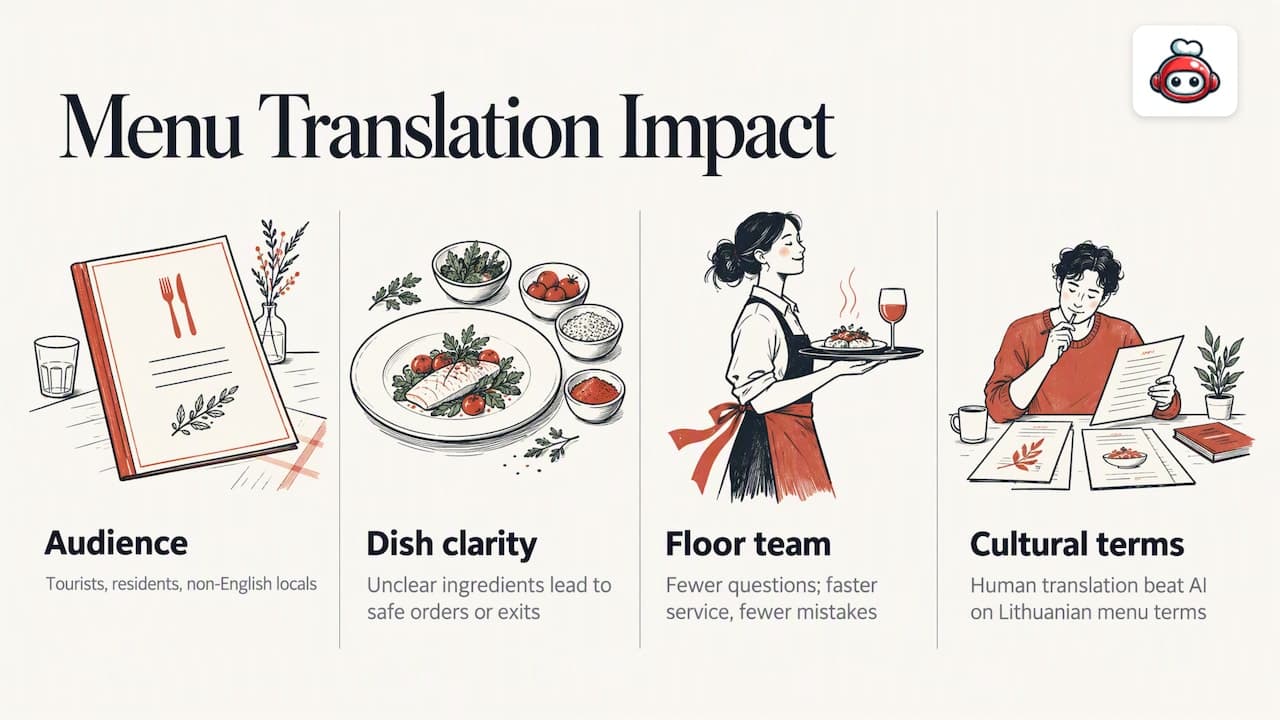
A menu is the one page every guest reads. If a visitor cannot tell whether a dish contains fish, nuts or pork, they either order something safe and dull or leave. Tourists and international residents are the obvious audience, but there is a second group: local diners whose first language is not English, who will often check an online menu before booking.
A translated menu also reduces pressure on your floor team. Fewer questions about what a dish is means faster service and fewer mistakes at the table.
The risk is a bad translation. Dish names carry culture, and word-for-word output turns a perfectly good plate into something odd or misleading. Academic work on traditional menus points the same way: a study of culture-specific items on traditional Lithuanian menus found human translation more reliable than AI-generated translation for those terms.
Step 1: Fix the source menu before you translate
Translation amplifies whatever is in the original. Spend an hour on the source and every language benefits.
- Remove ambiguity. "House special" or "Chef's way" tells a translator nothing. Say what is on the plate.
- Separate the name from the description. The dish name is often kept in the original language, with a short explanation beside it. A description of one or two lines is easier to translate than a paragraph of marketing.
- List main ingredients and the cooking method. Grilled, cured, braised and pickled all change what a guest expects.
- Use consistent terms. If you write "aubergine" in one place and "eggplant" in another, a translator may treat them as different things. Pick one and stick to it.
- Decide which names stay untranslated. A well-known regional dish usually reads better in its original name with a plain-language gloss.
If your menu photography is thin, fix that too. A clear photo answers questions faster than any translation, and our guide on shooting a restaurant menu in one afternoon shows how to do it without a studio.
Step 2: Choose machine, human or both
The right method depends on what the text does. Three questions help you decide.
- Does a mistake have consequences? Allergens, dietary labels (vegan, halal, gluten-free) and ingredient lists are safety information. Treat them as high stakes.
- Is the wording cultural? Regional dishes, idioms and playful names usually need a human who knows both food cultures.
- How often does it change? Daily specials change too fast for a professional every morning, which is where a machine draft plus a quick check earns its place.
| Approach | Best for | Weakness | Typical use |
|---|---|---|---|
| Machine translation only | Internal drafts, rough previews | Misreads dish names and cooking terms | Never publish unchecked |
| Machine draft, human review | Most restaurants, daily specials | Needs a reviewer who knows the language | Everyday online menu |
| Professional translator | Core menu, tasting menus, allergen text | Slower and costs more per word | Main menu once, then updates |
| Native-speaking staff or regulars | Spot checks | Informal, depends on availability | Final sense check |
For most independent restaurants the practical answer is both. Let a machine produce the draft, then ask a native speaker to read the result as a guest would. If you serve one or two main visitor groups, a professional translation of the core menu is a sensible one-off investment, and the machine-plus-review route covers specials after that.
How to brief a reviewer
Give the reviewer the source menu, your photos and a short glossary of terms you want handled in a set way. Ask three things: does every dish read naturally, is anything misleading, and are there words a guest would not recognise? Keep the reviewer's corrections in a shared document, because you will reuse them.
Step 3: Build a glossary and lock approved wording
A glossary is the cheapest quality tool you have. It is a simple table with the source term, the approved translation and a note. Start with the words you use most: cooking methods, cuts of meat, sauces, bread types and your signature dishes.
| Source term | Approved translation | Note |
|---|---|---|
| Your signature dish name | Keep original, add a plain description | Do not translate literally |
| Cooking terms (braised, cured) | One agreed word per language | Reviewed by a native speaker |
| Dietary labels | Fixed wording per language | Same label everywhere |
Once a translation has been approved, reuse it. Whenever you retranslate an unchanged dish you invite new errors, so only send changed lines for review. Many AI menu tools now advertise the ability to lock corrections for this reason, and the principle applies even if you manage it in a spreadsheet.
Step 4: Keep prices, descriptions and specials consistent
Most translation problems after launch are consistency problems. The English menu says £14.50, the German PDF still says £13.90, and the Italian version still lists a dish you dropped last month.
The cause is almost always copies. Every PDF, every printed insert and every separate web page is another version someone must remember to update.
The fix is structural:
- One master menu. Prices, availability and photos live in one place. Language versions are views of that data, not separate documents.
- Change the source first. Edit the original line, then update the translation of that line only.
- Avoid PDFs for the live menu. They are hard to update, hard to read on a phone and poorly handled by screen readers.
- Name an owner. One person is responsible for translations after each menu change, even if it is a ten-minute weekly job.
If you run several venues, drift multiplies. Our multi-location menu playbook explains how to manage one menu across sites, and if a till is involved, the POS menu sync playbook covers keeping the menu and the point of sale aligned so translated items do not diverge from what you actually sell.
Daily specials
Specials are where multilingual menus usually fail. A workable routine is:
- Write the special in plain, short wording, using terms from your glossary.
- Run it through your machine tool.
- Have a staff member who speaks the language glance at it, or use a standard phrase for the most common special types.
- Publish to the online menu so every language updates together.
- Remove it the same day it ends.
Step 5: Show allergens properly in every language
Allergen information is the part of a translated menu that deserves your slowest attention. A mistranslated ingredient is not a style issue, it can harm a guest.
Check the rules where you trade
Rules differ by country, so check your own market. In the United Kingdom, the Food Standards Agency publishes guidance for restaurants, cafés and pubs on PPDS allergen labelling, also known as Natasha's Law, which applies to food packed on the premises before a customer orders it. In the United States, requirements vary by state: Massachusetts, for example, asks for allergen-awareness training, menu notices and labelling information. Neither page is a template for your business, so read the rules for your own location and ask your local environmental health or food authority if you are unsure.
Design principles for multilingual allergen information
- Use a fixed list of allergens, not free text. Each allergen has one approved word per language, taken from your glossary and checked by a native speaker.
- Place the information next to the dish. Do not bury it on a separate page that guests will not open.
- Use the same layout in every language. Guests who switch language should find allergen flags in the same place.
- Add a clear instruction for serious allergies. Tell guests with a severe allergy to speak to a member of staff before ordering, in every language you offer.
- Retrain staff, not just the website. The translated menu supports the conversation, it does not replace it.
- Re-check after every recipe change. A supplier switch can alter the allergen profile while the translation stays the same.
If you rely on icons, keep a text label beside each one, since icons alone are easy to misread and are not accessible to screen reader users.
Step 6: Publish it as a multilingual online menu
Once the content is ready, the format matters. A responsive online menu beats a downloadable PDF for nearly every reason: it loads on a phone, it can be searched, it can be updated instantly and it works with a QR code at the table.
Three practical points:
- Language switcher. Put it where guests can see it without scrolling, and label each language in its own name (Deutsch, Español, Français), not with flags. Flags represent countries, not languages.
- A separate address per language where you can. Each language works best at its own URL, so a guest who shares a link shares the right version.
- QR codes. A single QR code at the table can open the menu in the guest's browser language or offer the switcher. Our guide to online menu QR code setup walks through it.
If you want the menu on your own site rather than a third-party page, see how to embed an online menu on your restaurant website. For the broader picture of running a site in several languages, we also cover a multilingual restaurant website in a separate guide.
Mark the language in the code
This is the technical step most restaurants miss. Pages should declare their language, and any passage in a different language, such as a dish name left in Italian on an English page, should be marked too. Accessibility guidance from the British Columbia government states that sites should specify the language of each page and identify language changes within content using HTML language attributes. It helps screen readers pronounce text correctly, and it helps browsers and search engines serve the right version to the right reader. For a deeper look at the search side of language versions, multilingual SEO content is a useful place to start.
Our perspective: one menu, many languages
We build RESTOBOT for restaurants, and the pattern we see in menu problems is the same everywhere: the translation is rarely the weak point. The weak point is the number of places the menu lives. A printed card, a PDF, a delivery listing, a Google profile and a website all hold their own copy, and each copy ages differently.
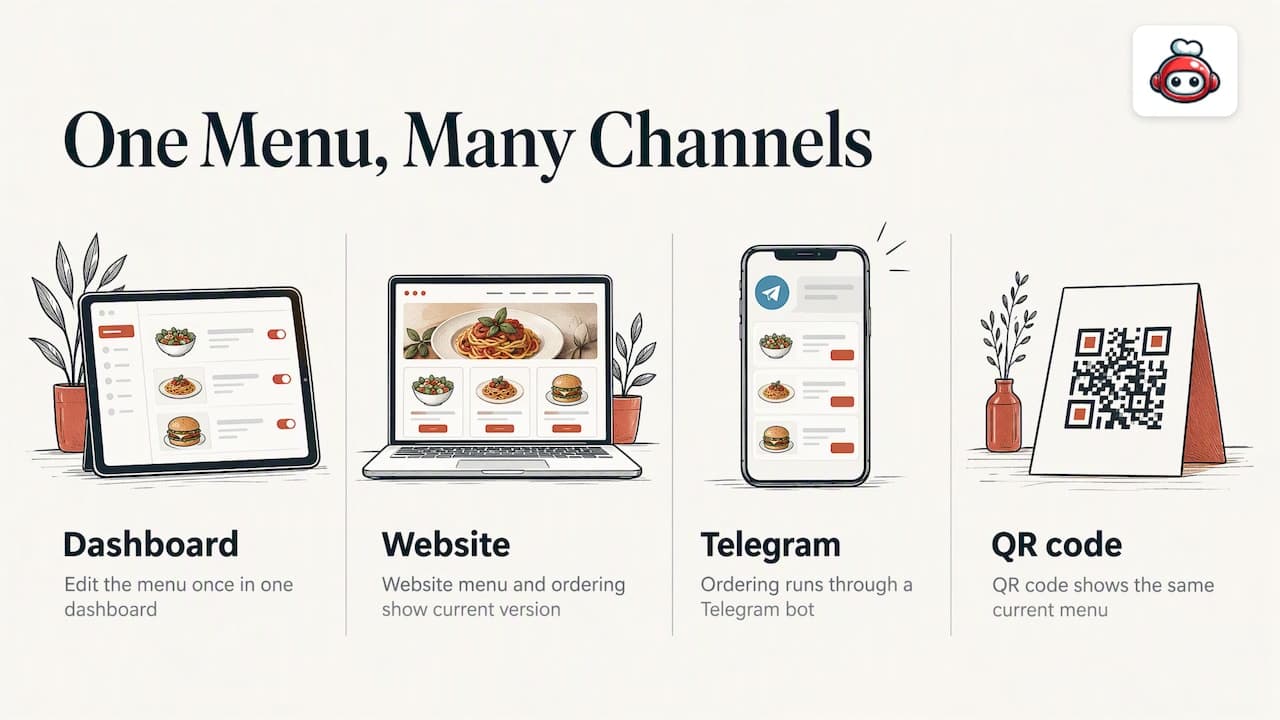
Our view is that a restaurant should treat its menu as data, not as a document. Edit it once, in one dashboard, and let the website, the ordering channels and the QR code show the same current version. That is the reason our platform pairs a website builder with an embedded online menu and ordering through the website and a Telegram bot, rather than leaving each channel to be updated by hand.
On translation itself, we would not publish allergen wording that nobody fluent has read. Use machines to save time on the first draft, and use people for the lines that matter. A menu that is slightly plain but correct beats a polished one that misleads a guest.
We also think the guest's first impression should not depend on the owner's time. A site that can be launched quickly and edited from a phone means the menu gets updated when the kitchen changes it, not when someone finds an evening.
*— ADMIN*
Where RESTOBOT fits
If you want your menu, ordering and reservations on one site that you control, RESTOBOT gives you a customisable website with an embedded menu, online ordering and reservations, with no commission on orders. You pay a flat subscription: MENU starts from €69 per month, or €59 per year, and FULL from €119 per month, or €99 per year. Your site can be created instantly and launched within one day. See the plans on the RESTOBOT pricing page.
A simple launch checklist
Use this list before you tell guests the translated menu exists.
- The source menu is clear and uses consistent terms.
- A glossary with approved translations exists for every language.
- A native speaker has read every dish name, description and allergen line.
- Prices match the source menu exactly.
- Allergen labels use the same wording and layout in every language.
- Guests with serious allergies are told to speak to staff before ordering.
- Each language page declares its language in the code.
- A named person owns updates after each menu change.
- Specials are removed the day they end.
- You have tested the menu on a phone, through the QR code, as a guest would.
Review the whole set every quarter, and after any change of supplier or recipe. Translated menus decay quietly, and a short regular check is cheaper than a complaint.
Common mistakes to avoid
- Translating word for word. Names like "toad in the hole" or "bubble and squeak" make no sense literally in any language. Keep the name and explain the dish.
- Translating the name but not the description. The guest still does not know what is in it.
- Letting each language have its own prices. Differences, even small ones, erode trust quickly.
- Using a photo of a printed menu as the online menu. It cannot be searched, translated by the browser or read by a screen reader.
- Relying on an app the guest runs. A guest who points a translation app at your menu gets their own interpretation, including of allergens. Provide an official version so they do not have to.
FAQ
Can I just use Google Translate for my restaurant menu?
You can use it for a first draft, but do not publish its output unchecked. Machines tend to mishandle dish names, cooking terms and regional ingredients, and an error in an allergen line carries real risk. Have a native speaker review the result before guests see it.
How many languages should a restaurant offer?
Start with the languages your guests actually speak, which you can judge from bookings, reviews and the questions your staff answer most. Two well-checked languages are better than eight rough ones. Add more only when you can review and maintain them.
How should I show allergens on a multilingual online menu?
Use a fixed list of allergens with one approved word per language, shown next to each dish in the same layout everywhere. Add a clear line telling guests with a serious allergy to speak to staff before ordering. Check the rules in your own country, such as the Food Standards Agency guidance in the UK.
Should dish names be translated or kept in the original language?
For well-known regional dishes, keep the original name and add a short plain-language description in each language. Translate generic dishes fully. This keeps the character of your menu while still telling guests what they will eat.
How do I keep translated menus up to date?
Keep one master menu and treat every language as a view of it, instead of a separate file. Update the source line first, then the translation of that line, and name one person responsible for the routine. Avoid PDFs for the live menu, as they multiply versions.